
Parental controls for IPTV — quick guide
IPTV Parental Controls in 2025 — Ultimate Safety Guide for Families
IPTV Parental Controls in 2025 — The Ultimate Guide for Families
Learn how to block adult content, set PIN protection, secure apps, and keep kids safe when using IPTV at home.
Why Parental Controls Matter on IPTV in 2025
IPTV has become the number one way families stream TV in Canada, Montreal, Toronto, and worldwide. With thousands of channels and unlimited on-demand content, IPTV offers convenience — but it also creates safety concerns for parents.
In 2025, IPTV services include movies, international channels, adult content, and unfiltered VOD libraries. Without protection, kids can access inappropriate material in just a few clicks.
Important: Many IPTV apps do NOT have built-in restrictions unless you manually activate them.
What Are IPTV Parental Controls?
IPTV parental controls are tools that allow parents to:
- Block adult channels
- Set PIN passwords for sensitive content
- Lock entire categories (18+, horror, gambling, etc.)
- Limit what kids can watch
- Restrict access to IPTV settings
Most major IPTV apps in 2025 include some form of parental control system — but each app works differently.
How IPTV Parental Controls Work (Step-by-Step)
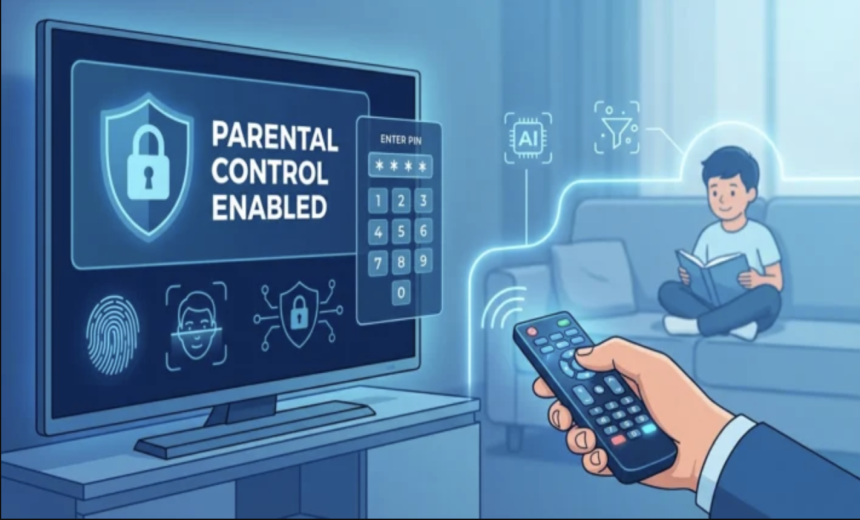
1. Lock Adult Channels With a PIN Code
This is the most common parental protection method.
- Open your IPTV app
- Go to Settings or Parental Control
- Enable Channel Lock
- Create a 4-digit PIN
- Select channels or entire categories to lock
Most IPTV apps hide adult categories automatically once the lock is activated.
2. Lock the App Itself
You can require a PIN when launching the IPTV app so kids cannot open it without permission.
3. Restrict Categories
Many IPTV apps let you lock categories like:
- Adults 18+
- Violence
- Horror
- Gambling
- International adult channels
4. Hide Settings Menu
Some advanced IPTV apps allow you to hide or lock:
- Playlist management
- App settings
- Profile management
Popular IPTV Apps & Their Parental Control Features
📺 1. IPTV Smarters / Smarters Pro
- PIN lock for categories
- Hide adult section
- Lock settings menu
📺 2. TiviMate
- Profile-based parental controls
- Custom channel hiding
- PIN-required category access
📺 3. XCIPTV Player
- Category locks
- Custom PIN protection
- Settings protection
📺 4. Smart IPTV
Smart IPTV requires filtering directly on the playlist side — many IPTV providers offer this if requested.
Advanced Parental Controls (2025)
Beyond the built-in app controls, parents can use advanced safety tools:
1. Router-Level Content Filtering
Modern routers let you block adult domains and filter content before it reaches your device.
2. DNS Filtering
Services like CleanBrowsing and Cloudflare Family DNS automatically block adult sites.
3. Device Profiles
Smart TVs like LG and Samsung allow restricted user profiles with limited app access.
Combine IPTV parental controls + router filtering for maximum protection.
Why IPTV Without Parental Controls Is Risky
IPTV usually includes thousands of channels — including many adult or explicit ones that may not be labeled clearly.
Risks include:
- Unfiltered adult channels
- Violent or disturbing content
- Explicit VOD categories
- Kids accidentally buying subscriptions or changing settings
How to Choose an IPTV Provider With Good Parental Controls
When choosing an IPTV provider in Canada, Montreal, Toronto, or Quebec, make sure they offer:
- Built-in category and channel lock
- Automatic adult channel filtering
- PIN-based parental controls
- Secure app — no unsafe APKs
Providers like BelleMedia IPTV include strong parental safety settings.
Backlinks & SEO Optimization
You can include these links to improve authority & user trust:
Recommended SEO Keywords
- IPTV parental control 2025
- block adult channels IPTV
- safe IPTV Canada
- IPTV Montreal parental lock
- IPTV Quebec family protection
Final Thoughts: IPTV Can Be Safe for Kids — If You Set It Up Correctly
IPTV is a powerful entertainment option for families, but it requires proper setup to keep children safe. With the right parental controls — channel locks, app PINs, router filtering, and secure profiles — IPTV becomes a family-friendly and safe streaming solution.
See Secure IPTV PlansShare This
Recent Post